

MCModHub Launcherv0.2.29Free
Minecraft launcher —
mods and friends in one place
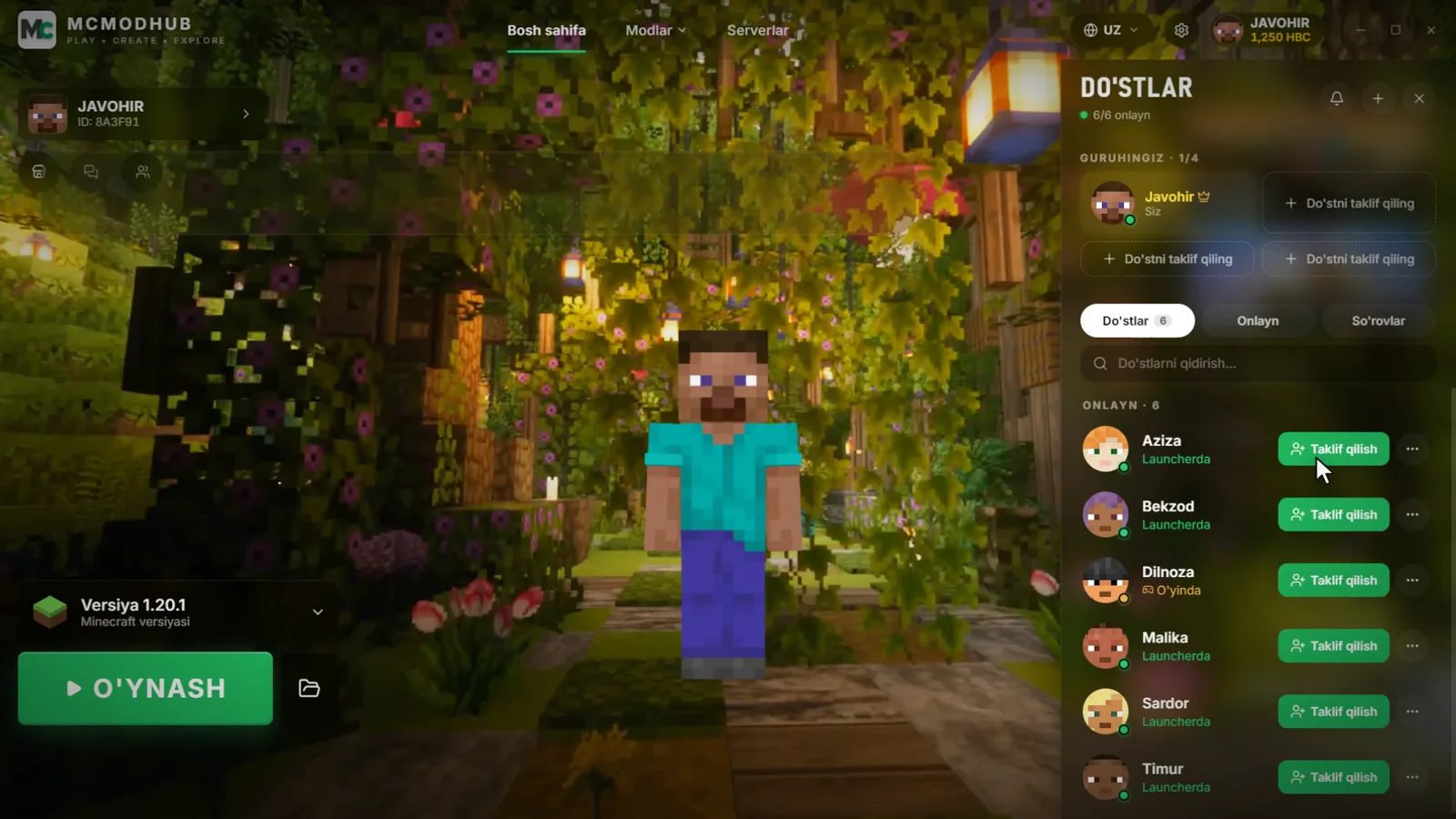
MCModHub is a Minecraft launcher with Uzbek, Russian and English interface. Install thousands of mods in one click: Forge, Fabric and NeoForge set themselves up. Invite friends to your party and play together — no server needed.
For Windows, macOS and Linux
Sound familiar?
10 websites for a single mod?
Does the version match? Forge or Fabric? Java 17 or 21? What if the mod crashes the game? The launcher handles all of it.
The usual way
- Mods on different sites and dozens of open tabs
- Copying files by hand, installing the loader and Java yourself
- Wrong version — the game won't start
With MCModHub Launcher
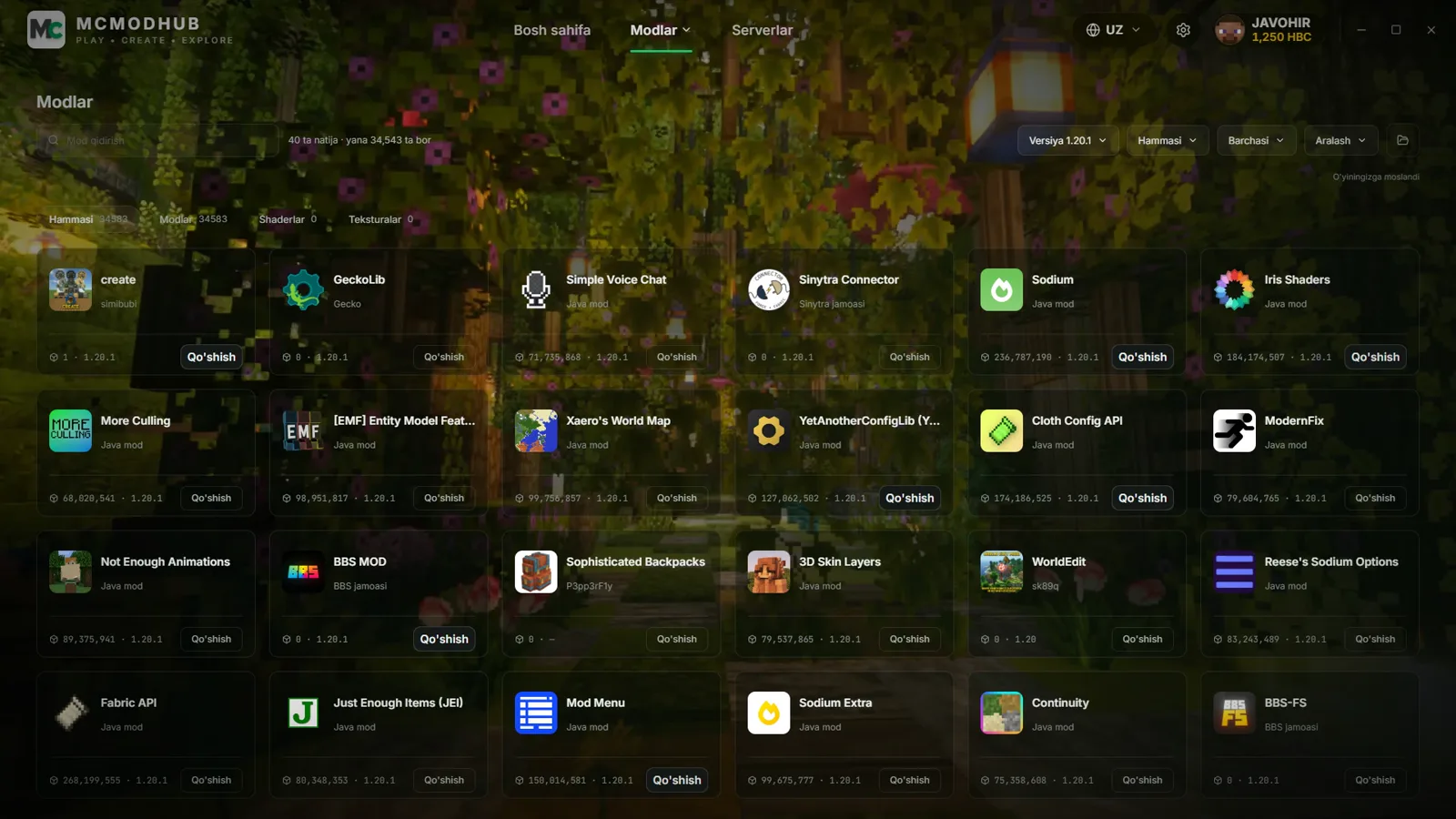
- Find a mod and press “Add”
- Forge, Fabric, NeoForge and the right Java install automatically
- Incompatible mods are flagged up front — no crashes
Features
Everything you need for Minecraft
From mods to playing with friends.
Thousands of mods — in one click
The Modrinth catalog and MCModHub mods in Uzbek. Versions that match yours are highlighted, required dependencies are added automatically.
Forge, Fabric, NeoForge — automatic
Pick a version — the loader downloads and installs itself.
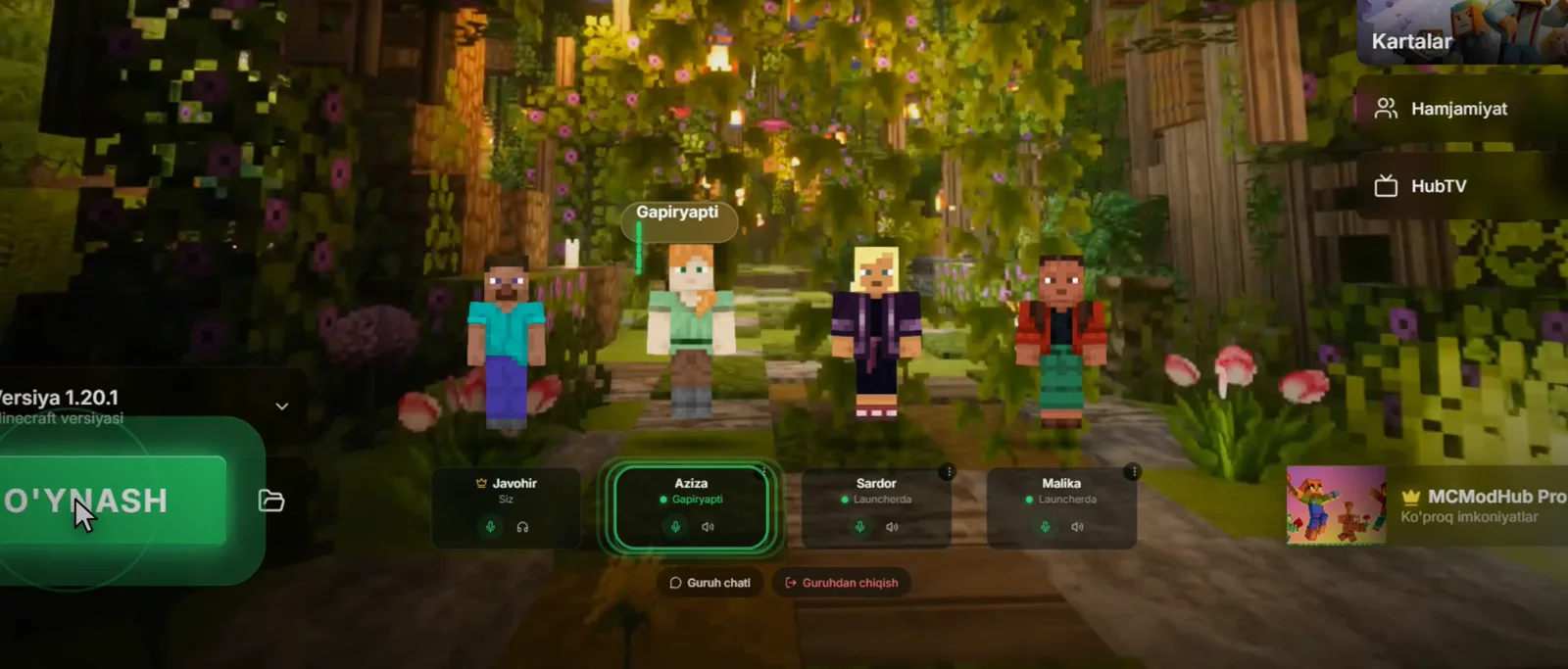
With friends — like in PUBG
Invite a friend to your party, talk in voice chat and play together. No server needed anymore.
Helper mascot
By your side at every step — gives tips and shows the way.
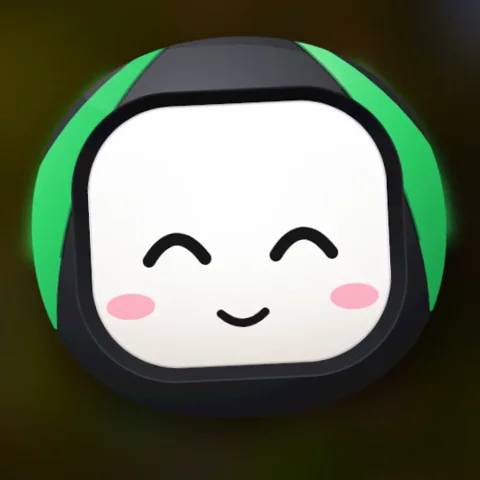
Mods, versions, party — I'll guide you at every step!
Skins and cosmetics
3D skins, capes, wings, pets and emotes in the Cyber Shop. Try them on and pick in one click.
HubTV
Minecraft videos dubbed into Uzbek. Watch them even while the game prepares for the first launch.
Maps
Pick a map from the catalog — the launcher downloads it and opens the game right on that map.
FPS boost
Performance mods and quick settings. Set the memory (RAM) for the game right in the launcher.
Community
Global chat, friends list and news — all inside the launcher.
3 languages
O'zbekcha, English and Русский — switch the language any time.
Get started
In the game in three steps
Download
Download the version for your system and install it.
Sign in
Sign in with your MCModHub account or start as a guest.
Play
Pick a version, add mods and press “PLAY”.
Download it free right now
MCModHub Launcher is the easiest way to run Minecraft with mods and friends.
Windows 10 and newer. Current version: v0.2.29
FAQ
Frequently asked questions
Is MCModHub Launcher free?
Yes, downloading the launcher and playing with it is free. A PRO subscription adds extras — for example, a party of up to 4 players (the free party is up to 2).
Which systems does the Minecraft launcher run on?
Windows (.exe), macOS — Apple Silicon (M1/M2/M3) and Intel (.dmg) — and Linux (.AppImage). The download section has a separate link for each system.
Do I need an account?
No, you can start as a guest — just enter a nickname. With an account your HBC, skins and achievements are saved.
Do I have to install Java separately?
No. The launcher downloads and installs the required Java version itself. If you want, you can pick your own Java or the amount of memory (RAM) in Settings.
Which Minecraft versions and loaders are supported?
Java Edition Release and Snapshot versions, plus the Forge, Fabric and NeoForge loaders. Choose a version and the loader installs automatically.
Where do the Minecraft mods come from?
From the Modrinth catalog and the MCModHub mod list. Mods that do not match the selected version are flagged before installation.
How do I install mods in Minecraft?
Open the “Mods” section in the launcher, choose a version and press “Add” next to the mod you want. The launcher adds the loader and dependencies itself.
How do I install Minecraft on my computer?
Minecraft is a paid game by Mojang/Microsoft; an official copy is available at minecraft.net. MCModHub Launcher helps you choose a version, set up a loader and mods, and start the game.
Also on the website
Mods, maps and 3D models — in your browser, without the launcher.